



Framework summary and intent
This blueprint gives project managers a step-by-step procurement framework for rugged, heavy-duty commercial digital signage deployments in airports, malls, transit hubs and corporate campuses. It centers on site-driven decisions: specify an IP rating and enclosure before you budget; choose a content management system (CMS) that matches your network topology; and plan mounting hardware and service access as primary line items. The logic is practical and sequential so procurement teams avoid late-stage scope changes that inflate cost and delay timelines. Real-world anchor: dense display clusters in Times Square and major international terminals show why continuous uptime and robust mounting matter for visibility and safety.

Site survey and specification checklist
Start with a physical survey. Record footfall patterns, ambient light, power availability and wall substrate. Capture exact mounting heights and sight lines for each LED panel or LCD. Create a simple matrix: exposure (indoor/outdoor), IP rating required, power source, network access point, and content type. Include local code constraints and vendor lead times to prevent surprises during procurement.
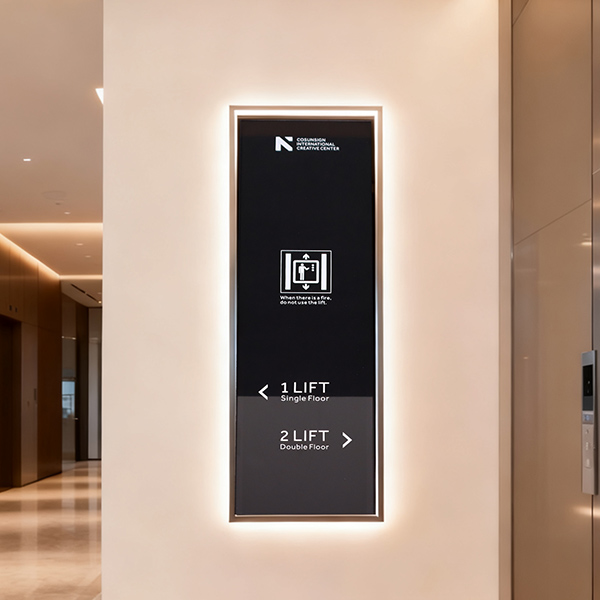
Procurement categories and selection logic
Break your purchase into four categories: hardware (displays, players), enclosures and mounting brackets, network and CMS, and service/warranty. For hardware, prioritize displays with proven thermal management and the correct IP rating for your environment. For players, check video codecs and compatibility with your CMS. For network, map redundancy and security needs—managed VLANs and edge caching matter where connectivity is flaky.
Customization and vendor alignment
Define the scope of custom work early—whether you need custom enclosures, touch overlays, or bespoke content templates. Ask vendors for a modular bill of materials so swaps are simple during installation. Where you need factory-configured builds, request sample units and lifecycle documentation. If you’re pursuing tailored enclosures or firmware tweaks, consult suppliers that offer digital signage custom services and can back changes with test reports.
Network, CMS and content flow
Decide whether content will be pushed from a central CMS or distributed via edge players. Central push works for uniform campaigns; local edge caching reduces bandwidth spikes at peak times. Plan for scheduled updates and emergency takeovers. Include content templates that account for orientation and bezel width so assets display correctly on each screen. Keep security simple: encrypted content transfer and authenticated players only.
Installation, commissioning and maintenance — common traps
Contractors often skip load calculations for mounting hardware—don’t. Confirm wall strength and dynamic load for overhead mounts. Allow two full workdays per cluster for commissioning: hardware check, network join, CMS provisioning, and burn-in. Expect punch-list items, and budget for them. Small human note—inspect brackets on arrival; a bad batch can stall a run. Preventable errors: mismatched power phases, missing PoE midspans, and CMS version drift between test and production.
Alternatives and trade-offs
Compare integrated displays vs. separate players. Integrated displays simplify installs but limit upgrade flexibility; standalone players increase serviceability and reduce replacement costs. Consider rugged kiosks when vandalism or crowd interaction is likely; choose slim bezel video walls for immersive messaging. Each trade-off ties back to lifecycle cost: initial capex versus long-term O&M.
Common metrics to evaluate proposals
Ask vendors to quantify uptime SLAs, mean time between failures (MTBF) and replacement lead times. Require a parts-and-labor warranty with optional on-site response tiers. Prefer vendors that provide clear test logs for thermal and ingress protection. These metrics translate into predictable operating expenses and help justify procurement choices to finance teams.
Three golden rules for site procurement
1) Specify the environment first: enclosure, IP rating, and mounting define cost and schedule. 2) Standardize core components: choose one display family, one player model, and one CMS to reduce spare part pools and training. 3) Score vendors on service response, documented testing, and configurable warranty options.
For turnkey assemblies, rapid prototyping, and factory-backed modifications, many project teams find consistent value in vendors that combine manufacturing scale with field-proven designs—one such example is Cosun Sign.
Follow the blueprint, score decisions against the three rules, and you’ll deliver a dependable, maintainable installation—on time and within budget.
