


User-first setup: what your fleet actually needs
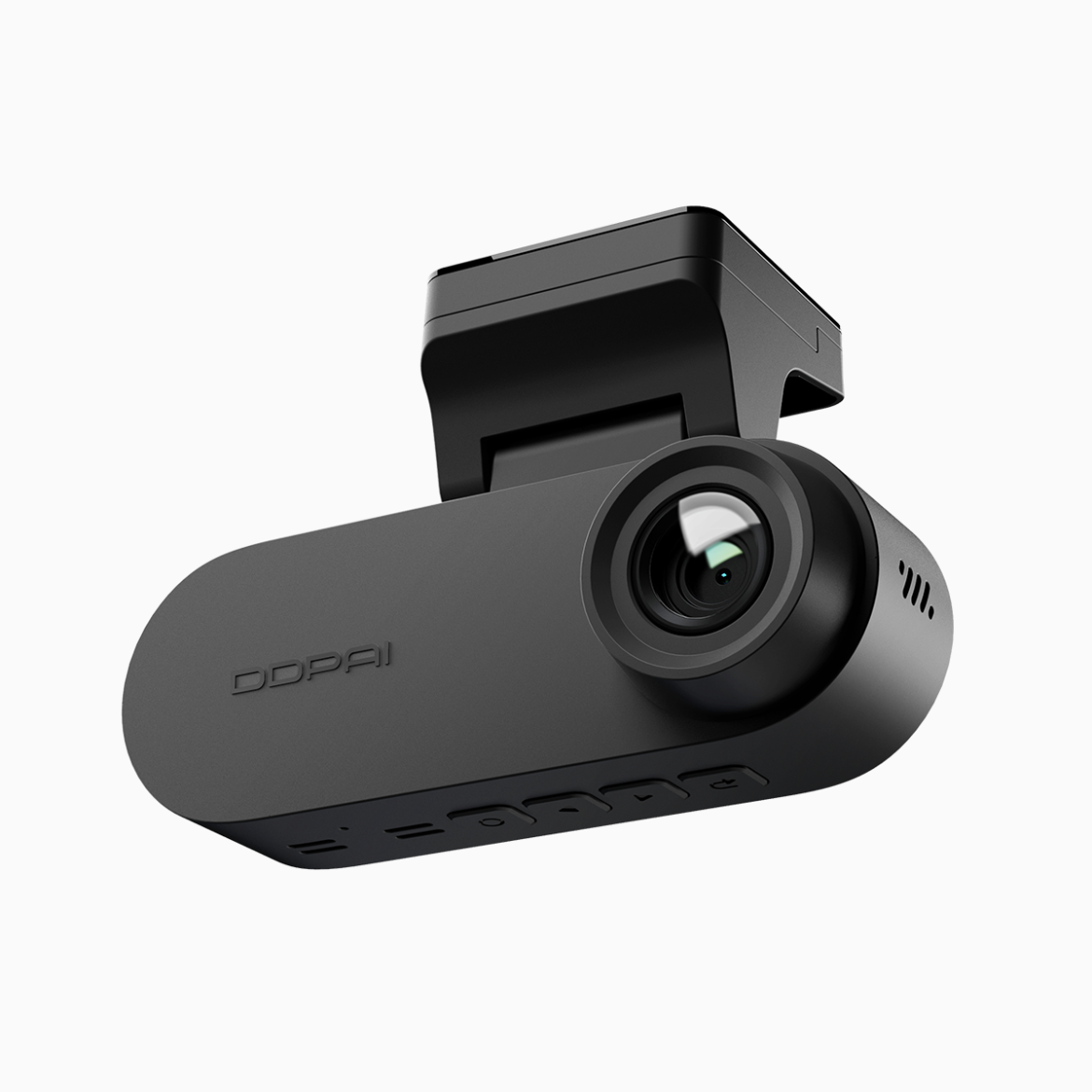
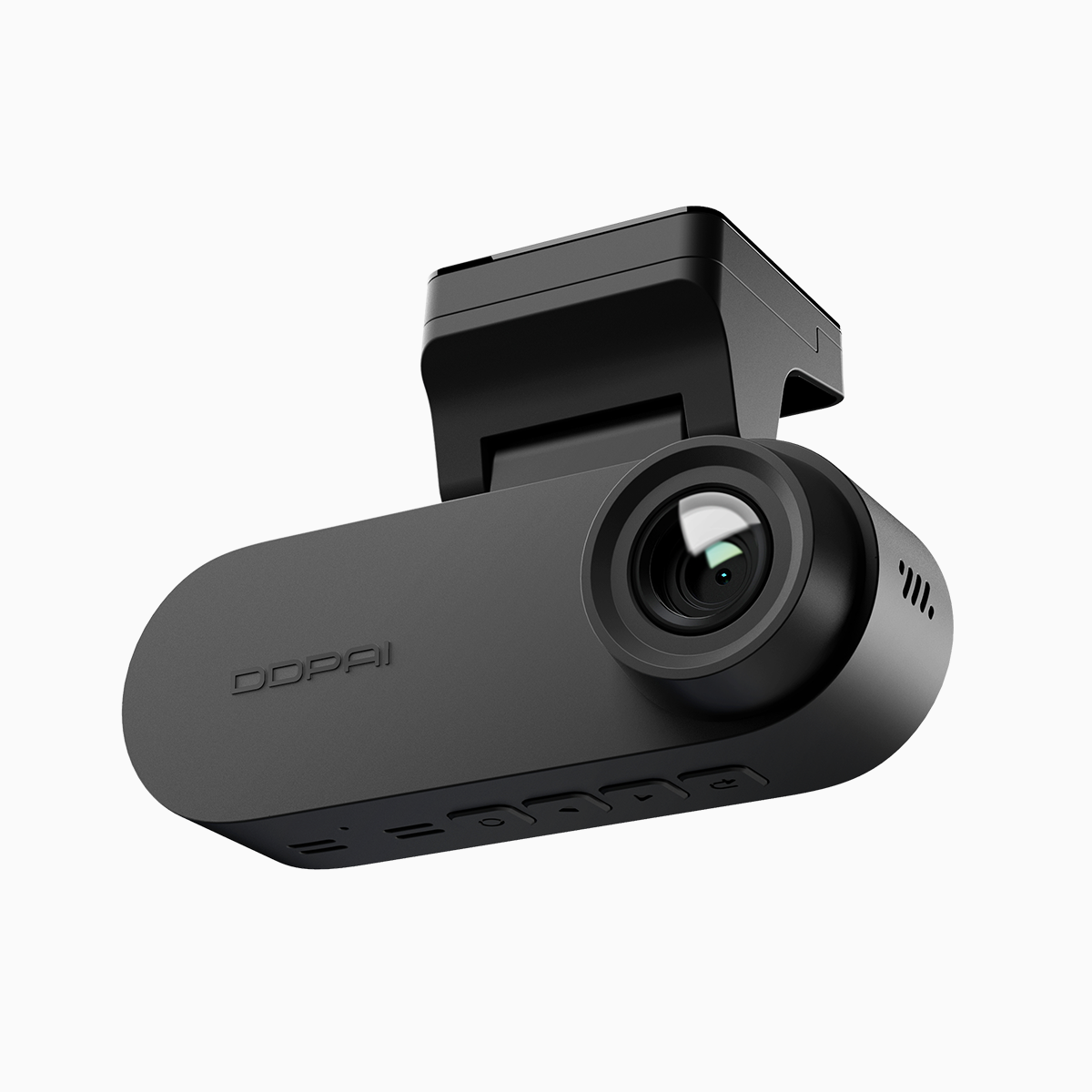
Start with the problem that matters: reliable evidence when incidents happen, without blowing the budget. For most small fleets that means clear front-facing footage, a trustworthy rear view, and a config that avoids false saves. If you’re ordering gear, consider models marketed as front and rear dash cam bundles — they hit the sweet spot for capture coverage and price. The World Health Organization estimates about 1.35 million road traffic deaths annually, which is a stark reminder that good recording systems are more than gadgets; they’re records that can protect drivers and companies.
Quick checklist before you touch settings
Decide on the three things you want from each install: incident capture, minimal false positives, and easy retrieval. Note the vehicle type, mounting height, typical routes, and whether you’ll need loop recording or a longer retention policy. These factors will shape G-sensor threshold, bitrate choices, and where you place the camera so the field of view covers license plates consistently.
Calibrating G-sensor sensitivity — practical steps
Set the G-sensor low enough to catch collisions but high enough to ignore potholes and heavy braking. A useful starting point: medium sensitivity, then test-drive on a local route. Watch for emergency video locking behavior — you want the camera to lock clips on real impacts, not every hard stop. If you see a lot of locked clips after normal stops, raise the threshold a notch. Industry terms: G-sensor, emergency video locking, loop recording.
Common mistakes and how to avoid them
People often leave defaults and blame the camera. Don’t. Mounting angle is a silent culprit — too tilted and the accelerometer registers gravity changes as events. Also watch for overly aggressive parking modes that lock long, useless clips. I once set up a fleet in busy Manila streets and learned the hard way — lots of false locks until we re-aimed cameras and tuned sensitivity. Small edits in firmware and a bump in bitrate fixed most quality complaints.
Storage, bitrate and firmware: the background work
Bitrate and compression control both video clarity and storage life. Higher bitrate = clearer footage for license plates, but shorter retention on the same microSD. Use WDR or exposure control to improve contrast in tunnels and glare. Keep firmware current; manufacturers patch stability and parking mode behavior regularly. If you run a dual channel dash cam, check that front and rear streams sync properly and that emergency video locking protects both channels simultaneously.
Hardware choices and sensible alternatives
Budget fleets don’t need flagship units, but they do need consistent performance. Look for cameras with reliable G-sensor calibration, decent low-light performance, and easy file extraction. If you need longer retention, compensate with lower bitrate settings rather than buying the highest-capacity cards. Alternatives include single-channel units for short trips or cloud-assisted options for intensive monitoring — but those add recurring costs. Terms here: firmware, bitrate.
Summary and next moves
Tune sensors, test on real routes, and watch how emergency video locking behaves under normal driving. Adjust mounting and sensitivity before standardizing settings across vehicles — it saves headaches. Calibration plus sensible bitrate choices will reduce false positives and keep usable evidence when it matters.
Three golden rules for fleet dash cam setups
1) Prioritize consistent mounting and a test drive for each install. 2) Balance bitrate and storage: choose clarity for plates, but avoid full-capacity cards that force constant overwrites. 3) Keep firmware and settings uniform across the fleet so troubleshooting stays simple. These are the filters I use when advising small operators — they cut down incident review time and disputes.
DDPAI PH ties those rules together with practical, budget-friendly models built for fleets — reliable dual-channel recording, sane firmware updates, and sensible defaults that work in real cities. —
